Access and new listing
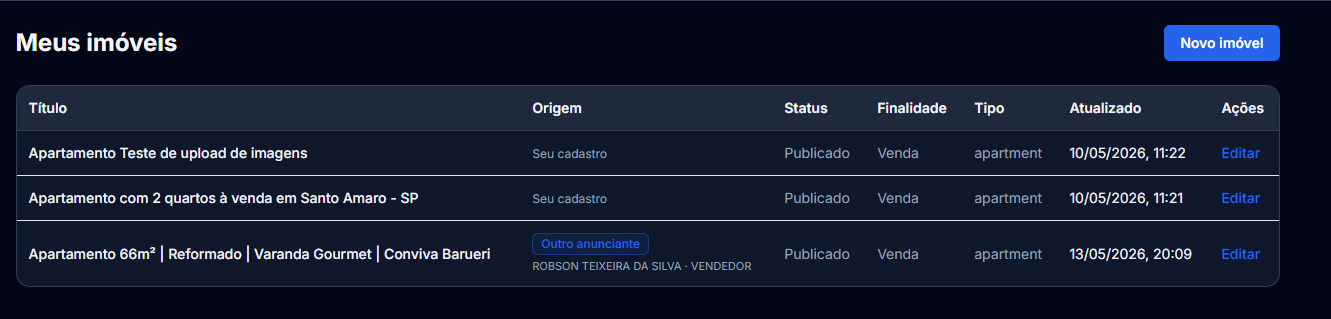
In your account, open My properties (/conta/imoveis). Click New property to start the wizard at /conta/imoveis/novo. Listing is available for seller, broker, agency, and developer personas.
Topic guides: schedule, contract, individual/company signup, personas, new property listing, and Marketing (Creative Studio and Lead Ads).
In your account, open My properties (/conta/imoveis). Click New property to start the wizard at /conta/imoveis/novo. Listing is available for seller, broker, agency, and developer personas.
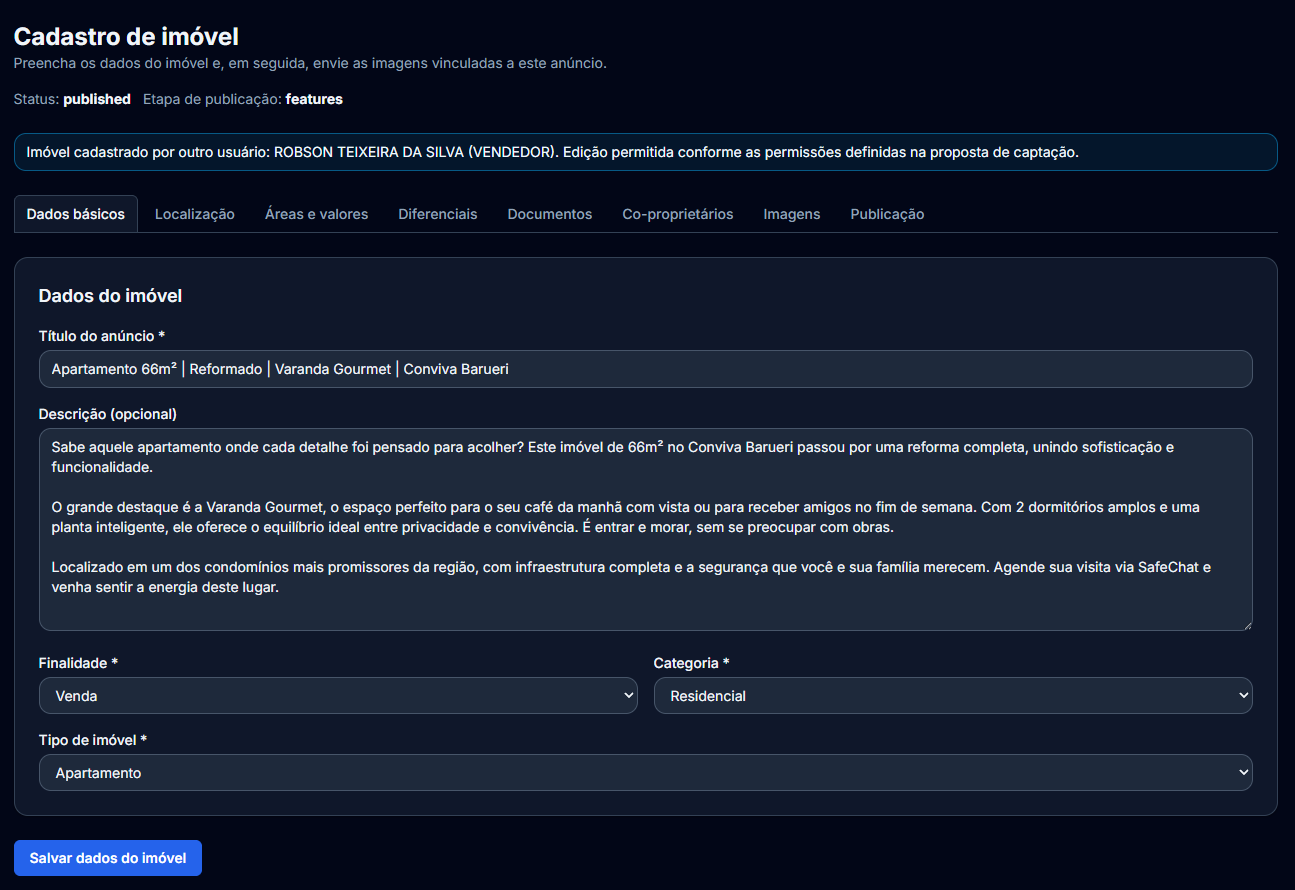
In the property data step you set title, optional description, purpose, property type, and linkage fields (agency, broker, condo unit) when applicable.
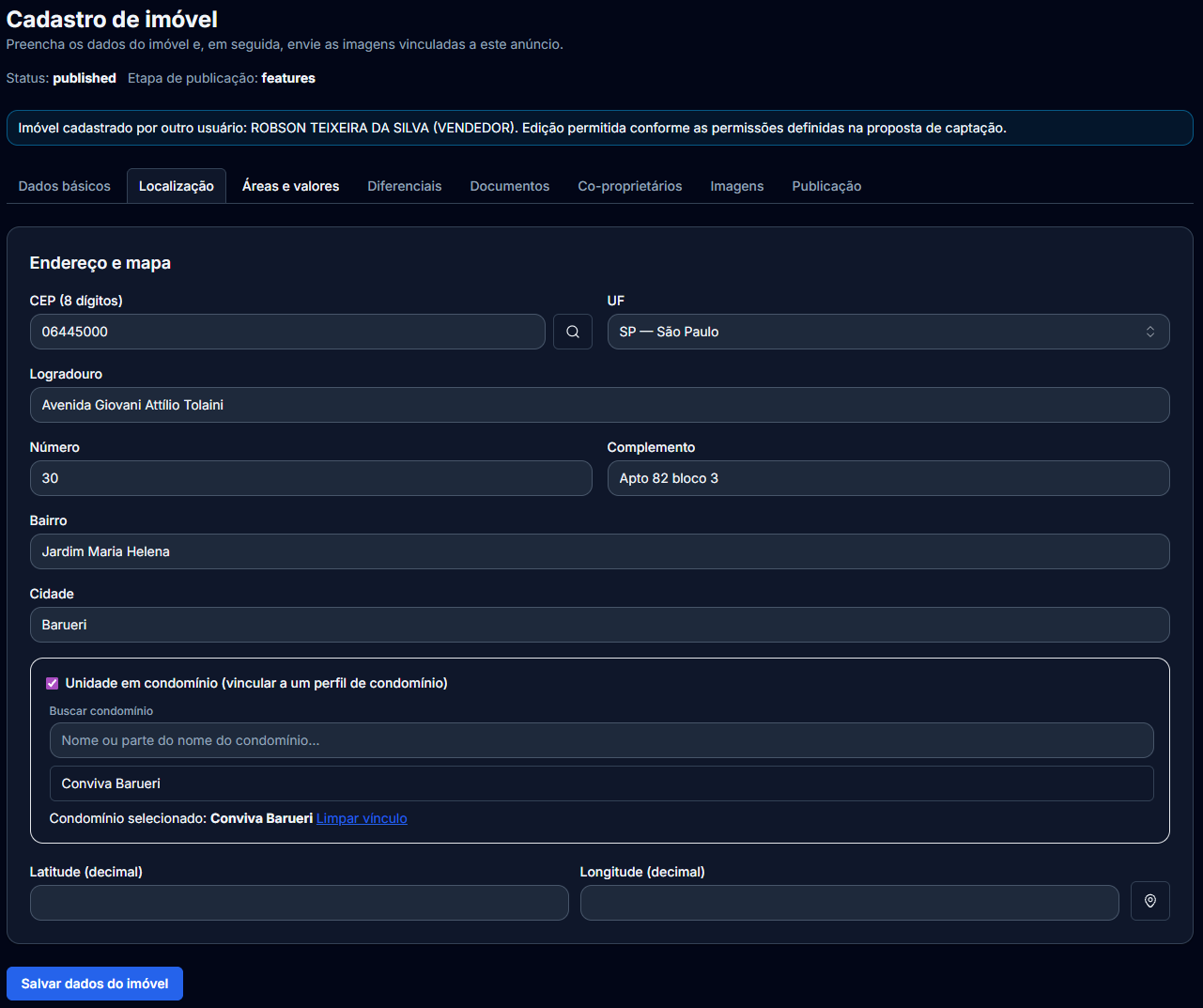
Address and map capture ZIP, street, number, district, city, state, and geocoding for coordinates when available.
Confirm the pin on the map after ZIP lookup or geocoding so regional filters and visits stay accurate.
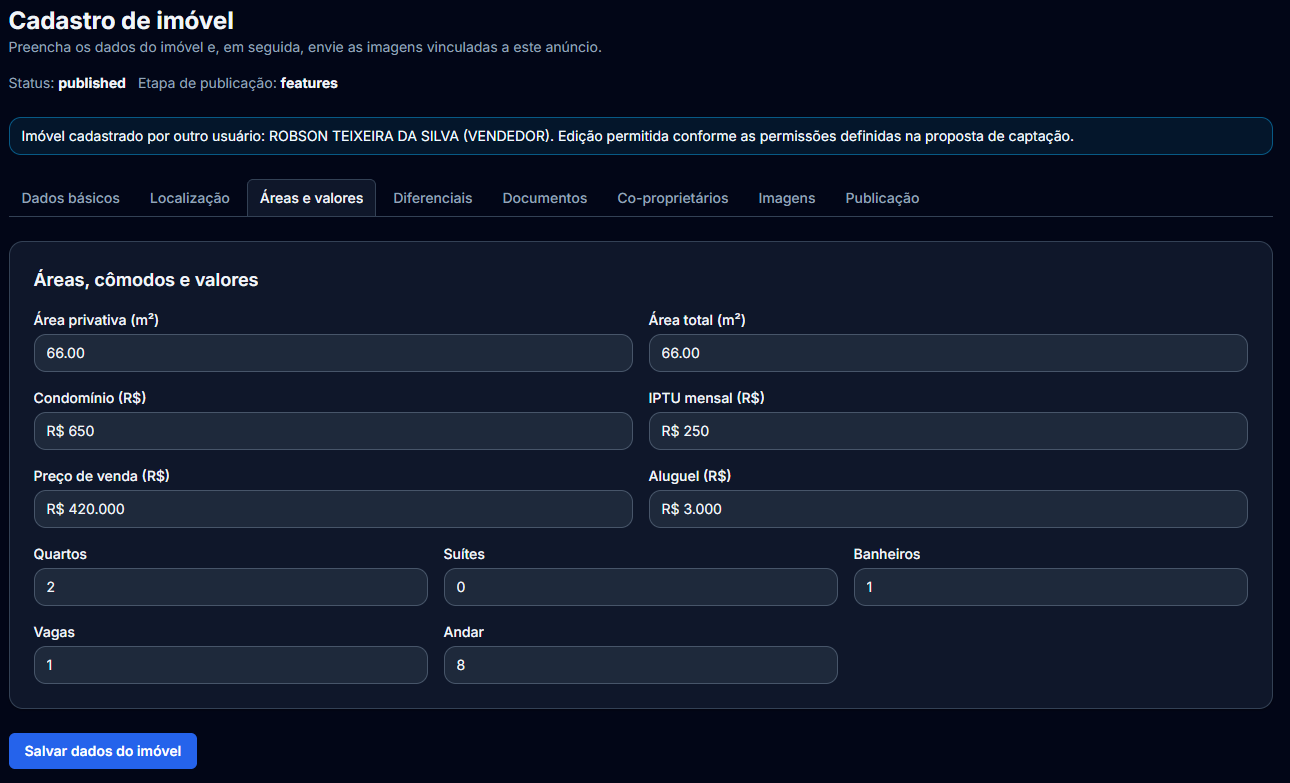
Areas, rooms, and pricing cover private/total area, condo fee, IPTU, sale or rent price, and composition (bedrooms, suites, bathrooms, parking, floor).
Use numbers that match the unit; they power search filters and the public listing.
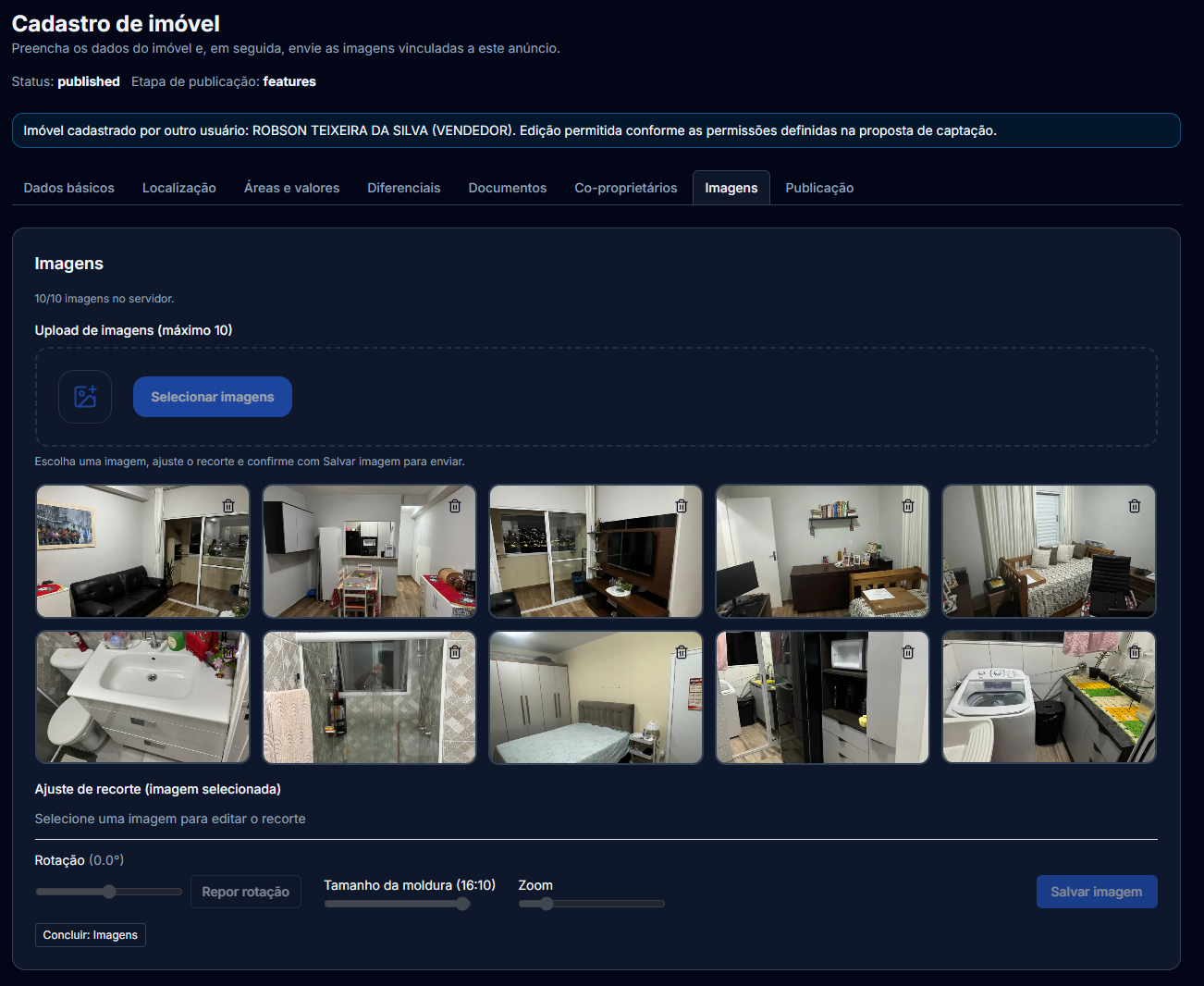
Upload images linked to the listing and arrange the gallery to highlight main spaces.
Wait for uploads to finish and prefer sharp, well-lit photos.
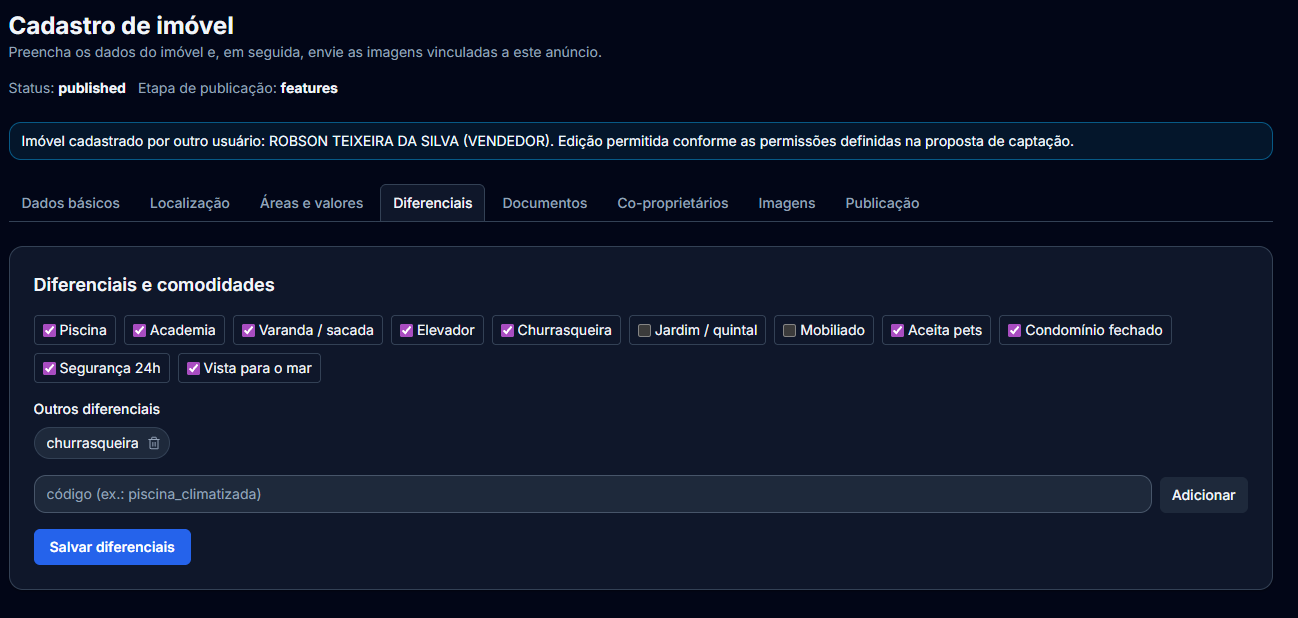
Features combine curated amenities and custom codes supported by the backend.
Select only what truly exists on site to keep trust with visitors and compliance checks.
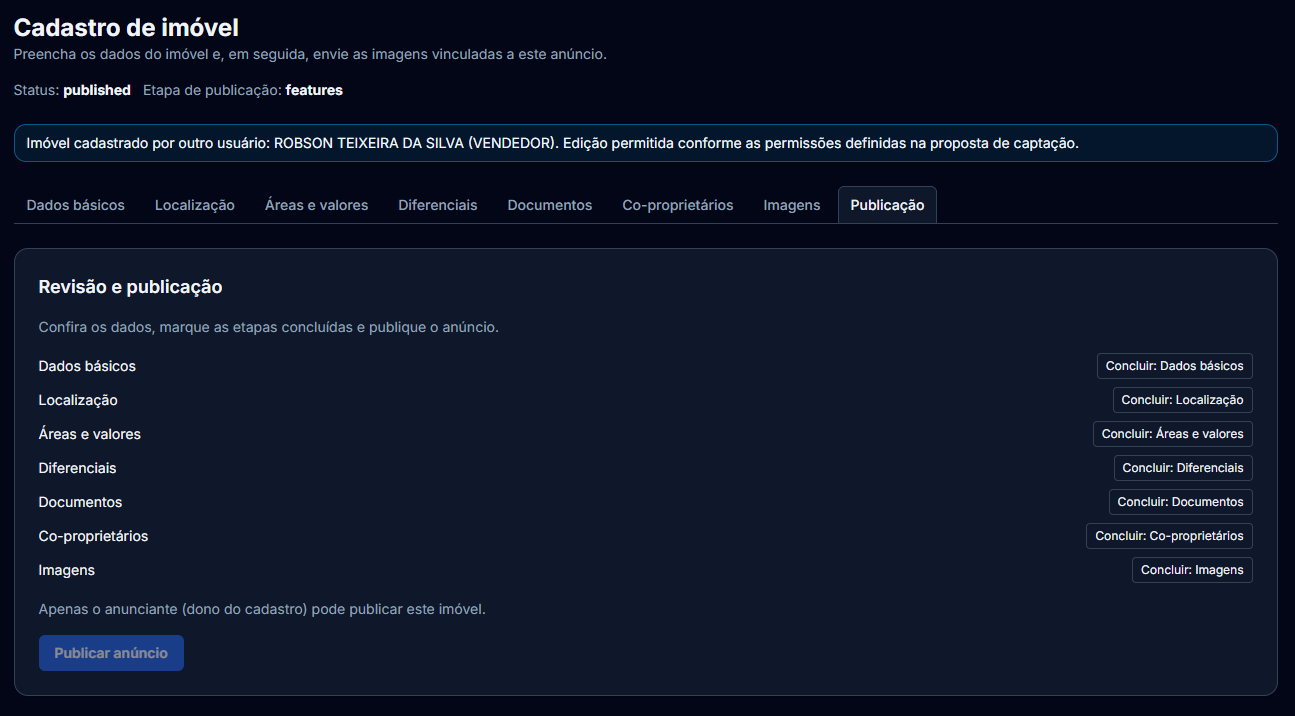
On review and publish, check the summary, mark steps complete when requirements are met, then publish.